
ATP are using Kubify’s Learning Toolbox for the conference ePosters and are inviting all authors (poster authors and oral presenters) to create an ePoster to help fully showcase their work during and beyond the conference.
You do not have to create an ePoster for APT, but there are 4 key benefits to you if you do make one.
4 key benefits of making an ePoster for APT
- You can choose to showcase and share whatever you want – including multimedia and online materials.
- It gives your work higher visibility at the conference – your ePoster is viewable throughout the conference and afterwards, not just during the presentation sessions.
- Networking – it supports sharing and connecting with others both during and after the conference.
- You can continue to use it beyond the conference – use it to show, share and promote your work wherever you want.
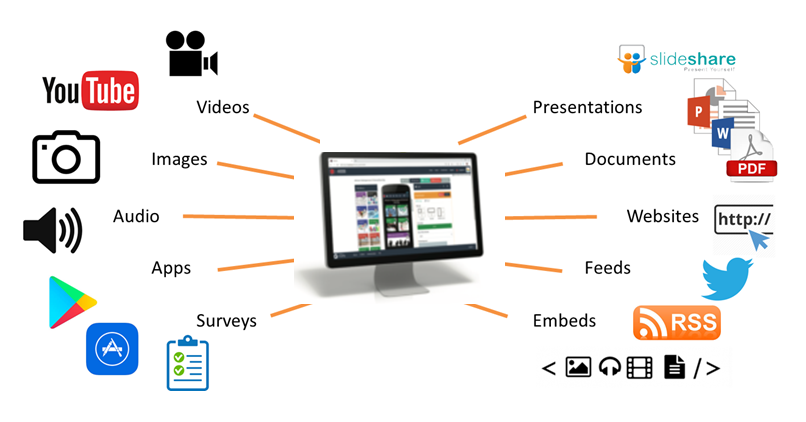
Your ATP ePoster can contain much more than just a presentation or poster file.
Learning Toolbox allows you to create a collection of material (we call it a stack) that can be used to present and share your work during and after the conference. At the simplest level you can just add your presentatino or poster file to your ePoster stack, but the platform allows you to do much more. Learning Toolbox stacks can also contain additional materials such as videos, weblinks, papers and more. So you can include whatever material you have that helps people to understand and apply your work.
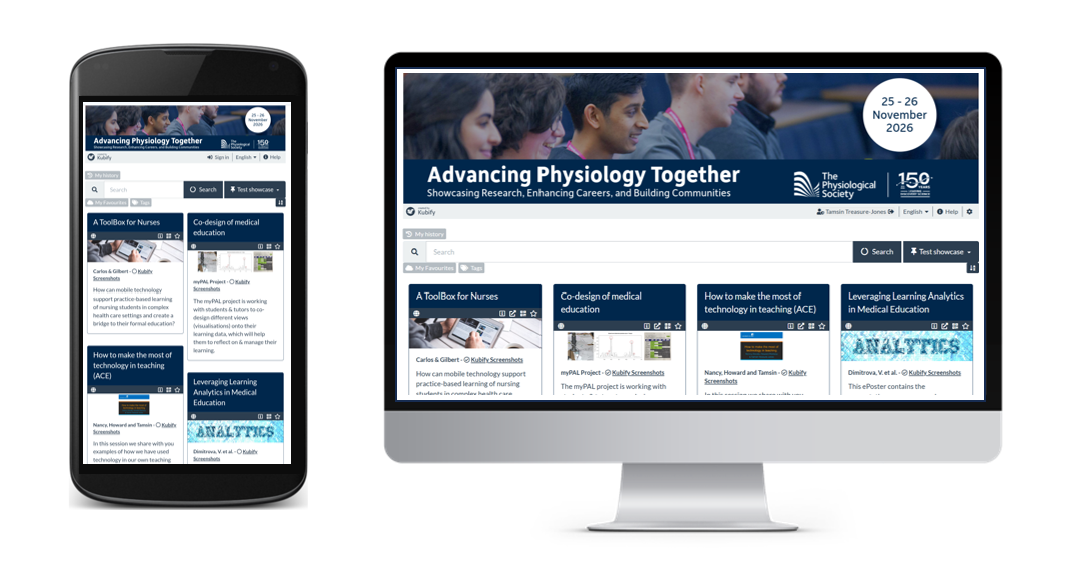
The ePoster showcase website
All of the ePosters will be published to the ePoster showcase website. The conference team will let all delegates know how to access the showcase website. On the showcase website, delegates can browse, search, open and explore all of the ATP ePosters.
Directing people to your ePoster
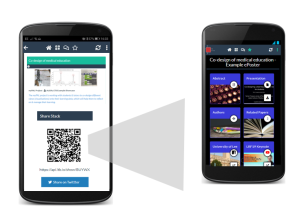
It will be easy to direct people to your ePoster wherever you are. Each ePoster has its own web link and QR code. You can send people the web link or show them the QR code. If they click on the link or scan the QR code then they will be taken directly to your ePoster. The aim is to make it easy for you to share your ePoster with others wherever you are.
You will also be able to continue to use your ePoster to present and share your work after the conference. The ePosters will remain hosted and available for at least the year of the conference.
Engaging with the ePosters – viewing, discussing, favouriting
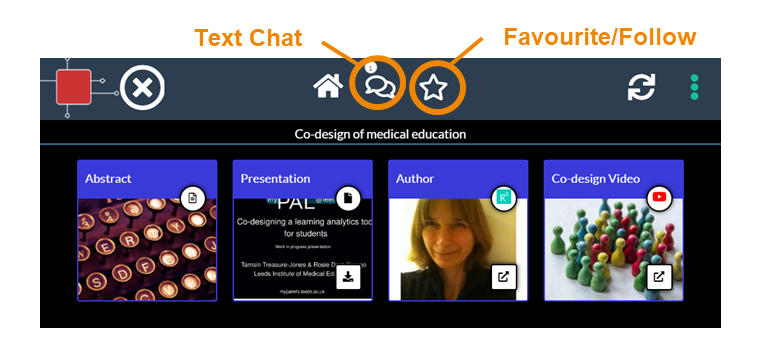
When delegates open your ePoster stack they can click on the tiles to view and interact with all the content you have added. They can also post questions or comments to your ePoster, to which you can respond. This text chat discussion will be attached to your ePoster and can continue after the event. You can opt to get email notifications of new chat on any ePoster including your own. Delegates can also favourite your ePoster so that they can return to it more easily.
What support will be available?
You will have plenty of support to use Learning Toolbox to create your ePoster stack. A short video guide has been created for ATP ePoster authors. This is available on the Support Page as are other helpful materials and answers to frequently asked questions.
And an email helpdesk (support@kubify.co) will be available to answer your ePoster questions in the run-up to the conference.
We will also send important reminders to you by email. Those emails will come from support@kubify.co or mail@ltb.io Please add these addresses to your email contact list to help avoid the emails going to your Spam folder