
WGC are using Kubify’s Learning Toolbox for the conference ePosters.
Your WGC ePoster can contain much more than just your poster file.
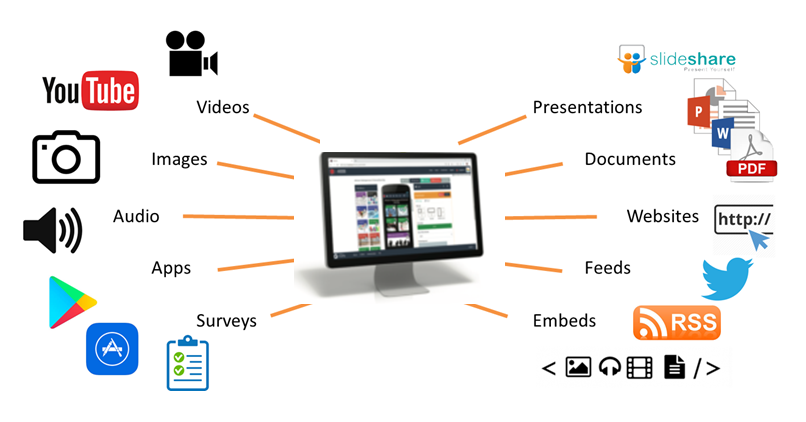
Learning Toolbox allows you to create a collection of material (we call it a stack) that can be used to present and share your work during and after the conference. At the simplest level you can just add your poster file to your ePoster stack, but the platform allows you to do much more. Learning Toolbox stacks can also contain additional materials such as presentations, videos, weblinks, papers and more. So you can include whatever material you have that helps people to understand and apply your work.
How will delegates engage with the ePosters onsite?
Delegates will be able to browse, search, view and interact with the ePosters stacks on their own devices (smartphones, tablets or laptops) and at the onsite ePoster screens.
There will be three key ways that delegates can access the ePoster stacks:
- through the showcase website
- on the onsite ePoster screens
- you will be able to share a link direct to your ePoster
The ePoster showcase website
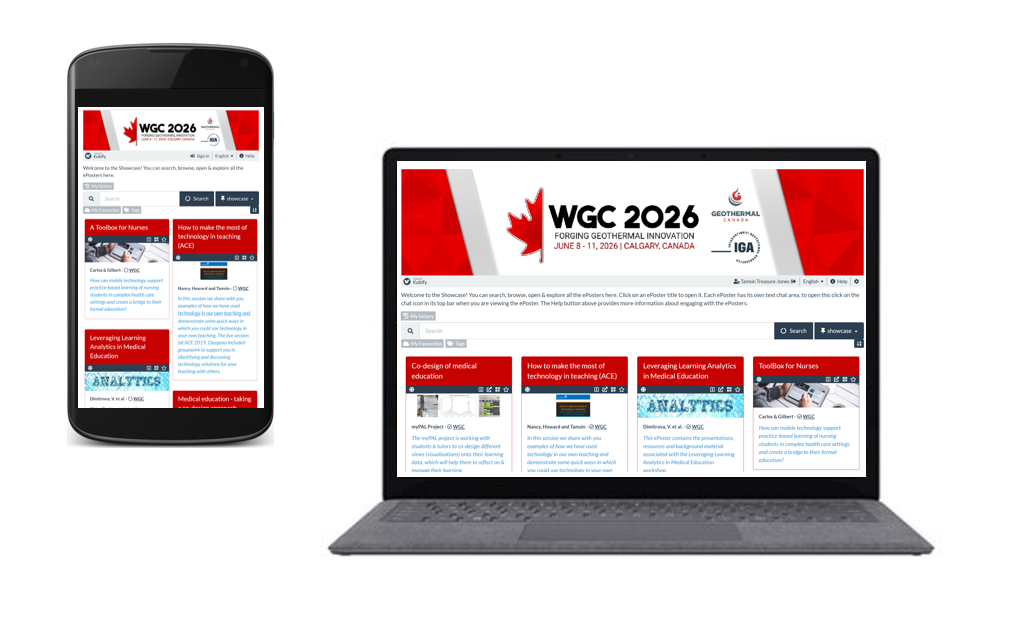
All of the ePosters will be published to the ePoster showcase website. The conference team will let all delegates know how to access the showcase website. On the showcase website, delegates can browse, search, open and explore all of the WGC ePosters.
Onsite ePoster screens
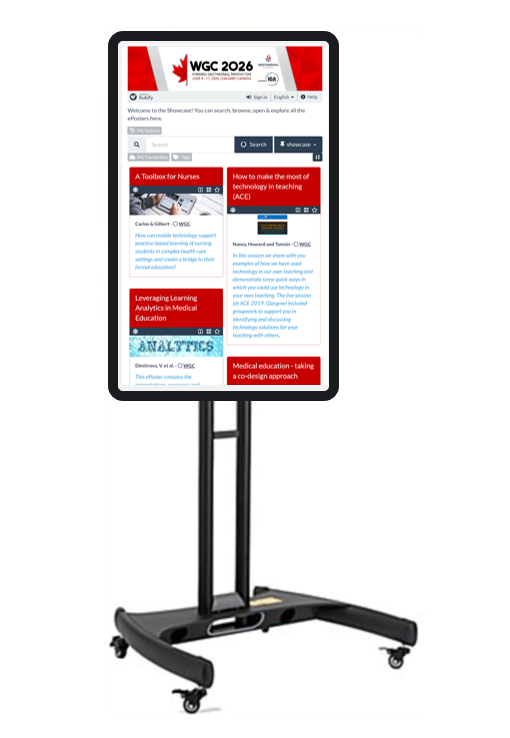
There will be ePoster screens (internet connected screens) onsite from where delegates can browse the ePoster showcase and open and explore your ePoster stacks. These screens will be in standard portrait orientation. At any point you can bring people to any one of these screens and show them your ePoster stack and explore any of the content that you have added to it.
Directing people to your ePoster
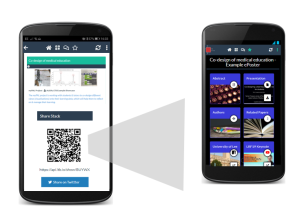
It will be easy to direct people to your ePoster wherever you are. Each ePoster has its own web link and QR code. You can send people the web link or show them the QR code. If they click on the link or scan the QR code then they will be taken directly to your ePoster. The aim is to make it easy for you to share your ePoster with others wherever you are.
You will also be able to continue to use your ePoster to present and share your work after the conference. The ePosters will remain hosted and available for at least the year of the conference.
Engaging with the ePosters – viewing, discussing, favouriting
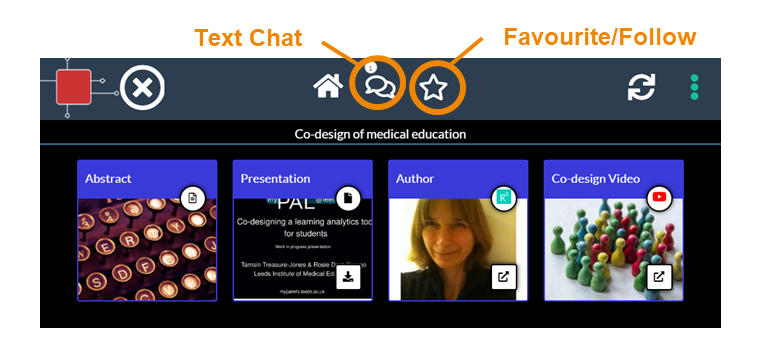
When delegates open your ePoster stack they can click on the tiles to view and interact with all the content you have added. They can also post questions or comments to your ePoster, to which you can respond. This text chat discussion will be attached to your ePoster and can continue after the event. You can opt to get email notifications of new chat on any ePoster including your own. Delegates can also favourite your ePoster so that they can return to it more easily.
Presenting your ePoster onsite
Poster presentation sessions will be held during the conference at the ePoster screens. The conference organisers are currently finalising the details for these presentations and more information will be shared with authors as soon as it is available.
We are expecting the ePoster presentations to take place at the ePoster screens. The screen will show the ePoster showcase and you will be able to open your ePoster stack and show any of the material that you have included in it.
Delegates will also be able to explore and post questions to your ePoster throughout the conference (and aftewards), so there will be plenty of opportunity for engagement and discussion.
Before the conference, you will already be able to check your ePoster on your own computer and practice your presentation using the preview button in Learning Toolbox.
What support will be available?
You will have plenty of support to use Learning Toolbox before and during the conference. There will be a webinar for authors on 27th March, an email helpdesk (support@kubify.co) will be available to answer your ePoster questions in the run-up to the conference and there will be an onsite ePoster helpdesk at the conference if you have any last minute questions.
We will also send important reminders to you by email. Those emails will come from support@kubify.co or mail@ltb.io Please add these addresses to your email contact list to help avoid the emails going to your Spam folder