
When you pick an image then you will have the chance to crop and resize it.
1. You can resize the image using the resize scrollbar.
2. You can crop it by dragging and moving the image so that the area you want appears within the focus area.
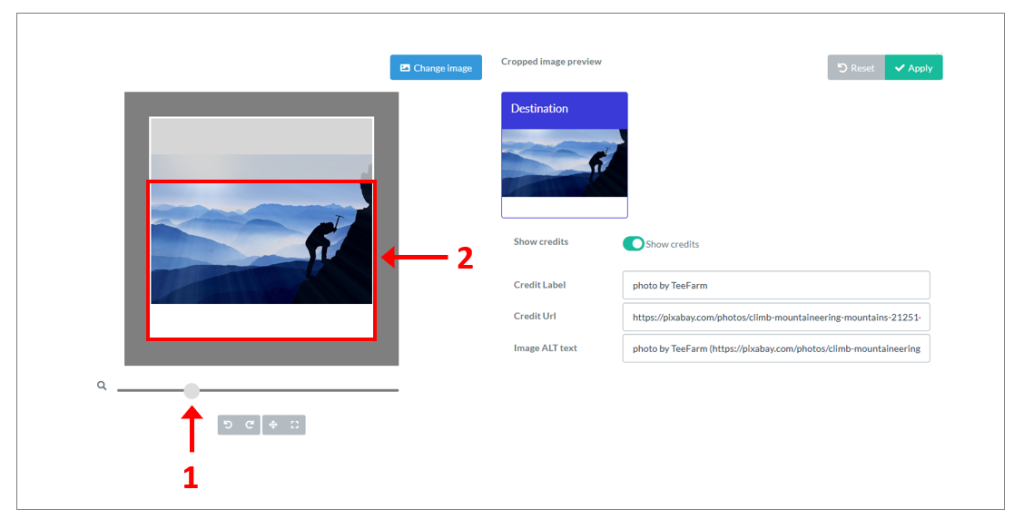
3. Click on Apply when you are happy with the cropped image preview.
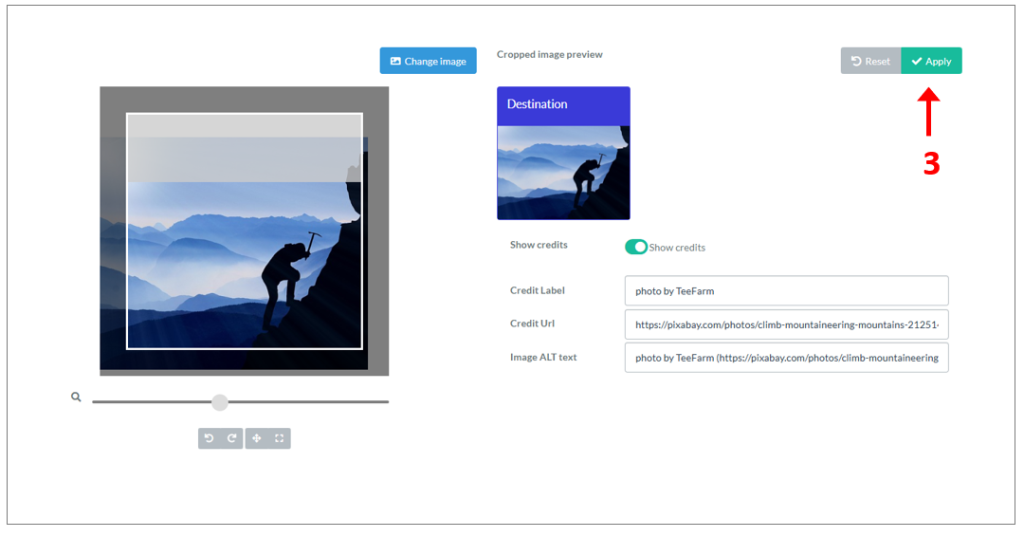
You will then return to the Editor.
Category:
FAQ Tile layout and appearance